Reporch LMS
Create an assignment
Configure assignment type, schedule, visibility, attempts, and grading policy.
Overview
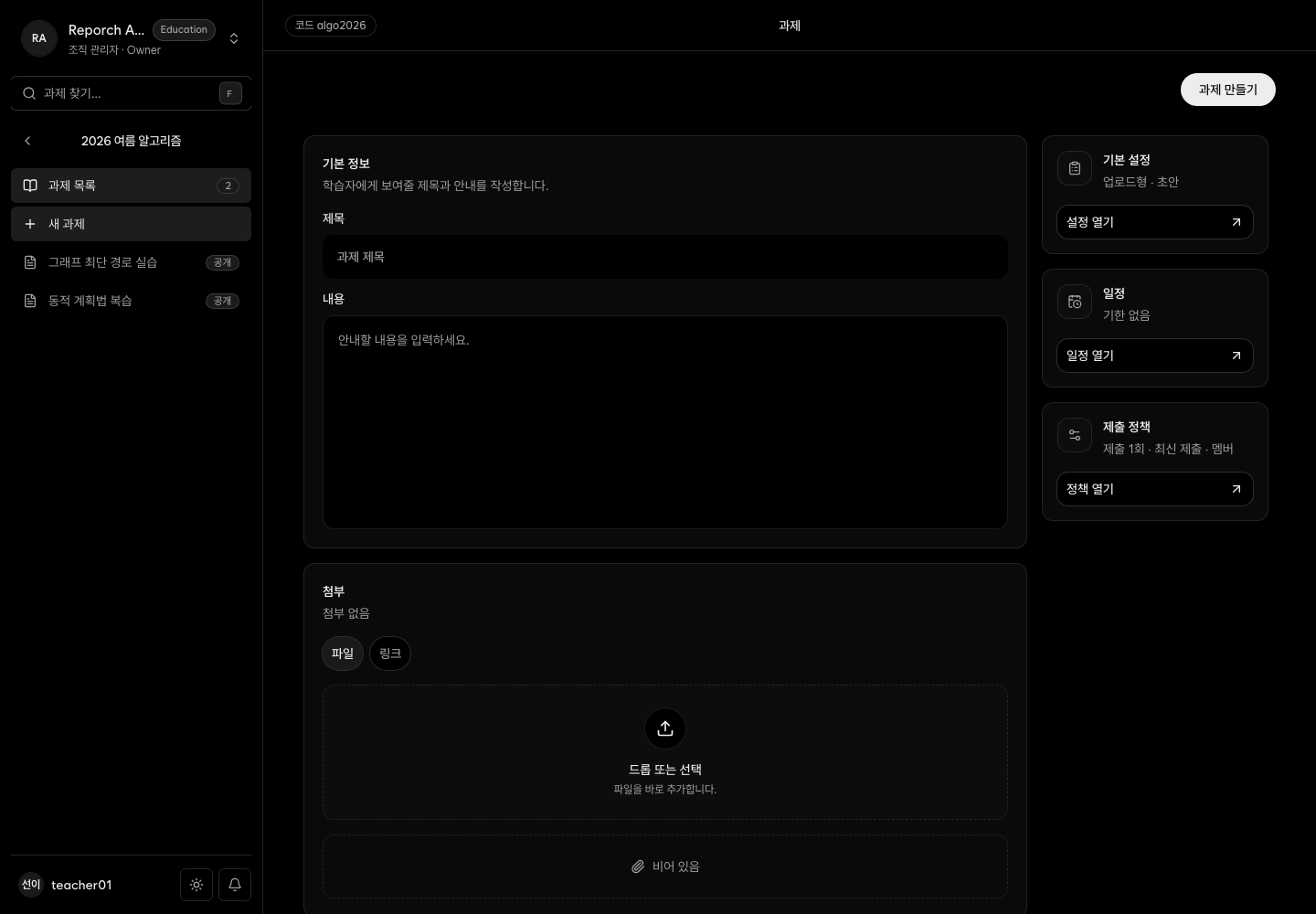
The editor separates basic information, schedule, submission policy, problems, and materials. Types are Upload, Problem, and Hybrid. Status is Draft, Published, or Archived; visibility is Members, Teachers, or Private; grading policy is Latest, Highest, or Average.
Before you start
- Classroom-management access
- Description, availability, due and optional late-due times
- Type, maximum attempts, visibility, and grading policy
- Problem IDs and points, plus files or links when needed
Steps
1. Enter basic information
Open Assignments → New assignment, enter title and description, and keep the initial state as Draft while reviewing.
2. Set the schedule
Enter availability and due time. If late work is allowed, enable it and choose a later late-due time.
3. Set submission policy
Choose attempts, Latest/Highest/Average grading, and Members/Teachers/Private visibility.
4. Add problems and materials
Problem and Hybrid work needs problem IDs and points. Add any learner-facing file or link materials.
5. Review and publish
Reopen the saved draft, verify every value, publish, and inspect the learner list and submission panel.
Expected result
- The assignment preserves its selected type and policy.
- A published member assignment can appear before availability for schedule review; submission opens when availability begins.
- Problem and Hybrid work exposes registered problems and automated judging.
Troubleshooting
- Not visible to learners: Check Published, Members, and active learner membership. Availability controls when submission opens, not whether a published member assignment can be inspected.
- No judge panel: Check type and registered problem IDs.
- Late work blocked: Verify the late toggle and late-due time.
- Unexpected grade: Check attempts and Latest/Highest/Average policy.