Reporch LMS
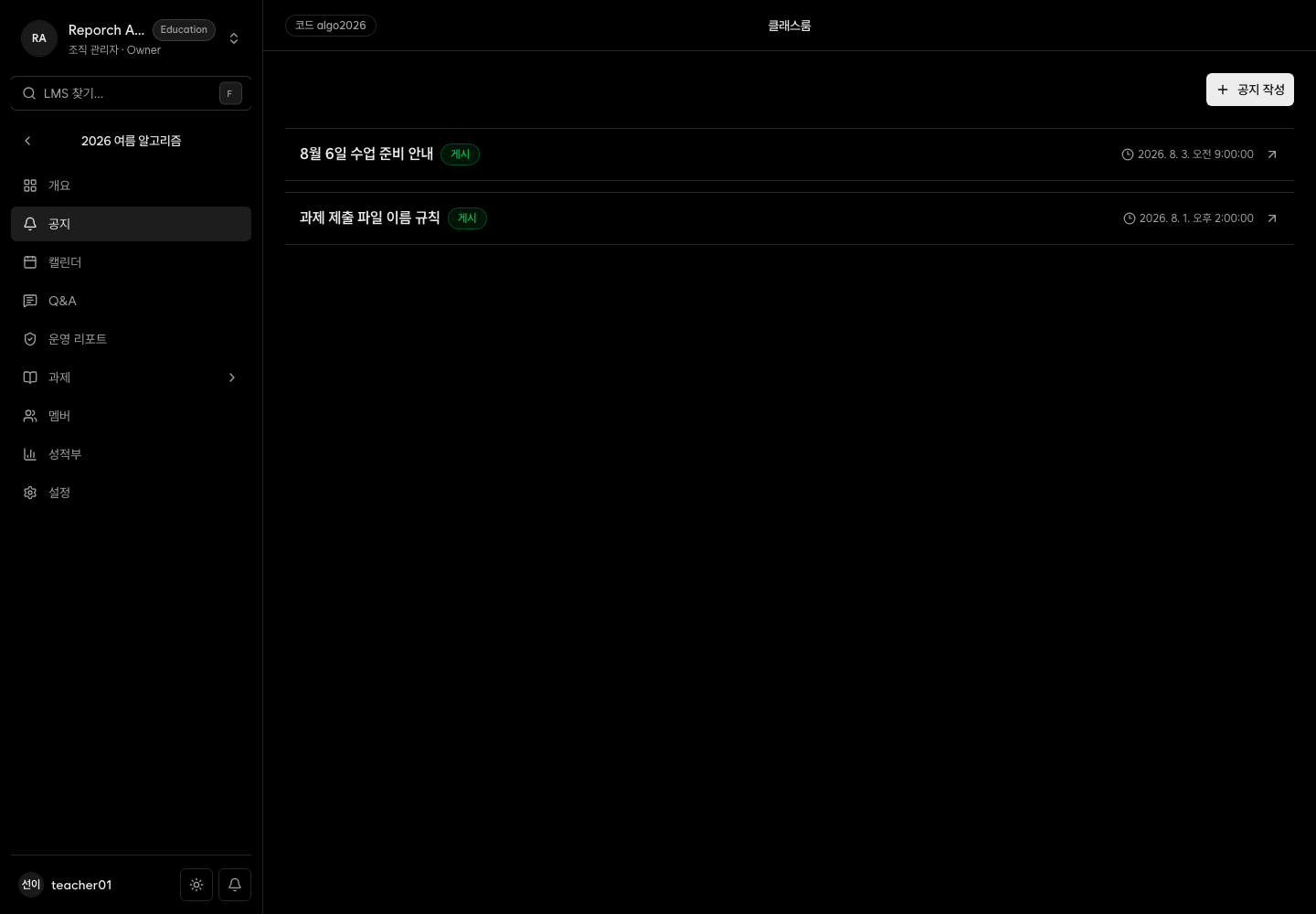
Create and schedule announcements
Publish classroom posts with attachments, priority flags, drafts, and schedules.
Overview
Admin Announcements creates and edits classroom posts. Configure title, body, attachments, publication state and time, plus pinned, important, and acknowledgment-required options.
Before you start
- Classroom-management access
- Final title and message
- Required files and an exact scheduled publication time
Steps
1. Open the editor
Select the new announcement action under Announcements, or verify an existing post before editing it.
2. Add content and files
Enter title and body and wait for each attachment upload to finish.
3. Configure priority
Use pinned for persistent placement, important for priority, and acknowledgment required when the notice requires extra attention.
4. Choose publication behavior
Publish now, save without learner publication, or schedule a date and time. Verify the resulting state in the list.
Expected result
- The announcement appears with its chosen admin status.
- Published posts appear in learner announcements and recent overview items.
- Files and priority indicators carry through to the learner view.
Troubleshooting
- Learners cannot see it: Check saved status, schedule, and classroom.
- Attachment missing: Wait for upload completion and save again.
- Wrong scheduled time: Verify device timezone and input.
- No edit action: Confirm admin, instructor, or TA access.