Reporch LMS
Update and archive a classroom
Edit classroom details and archive a class after operations end.
Overview
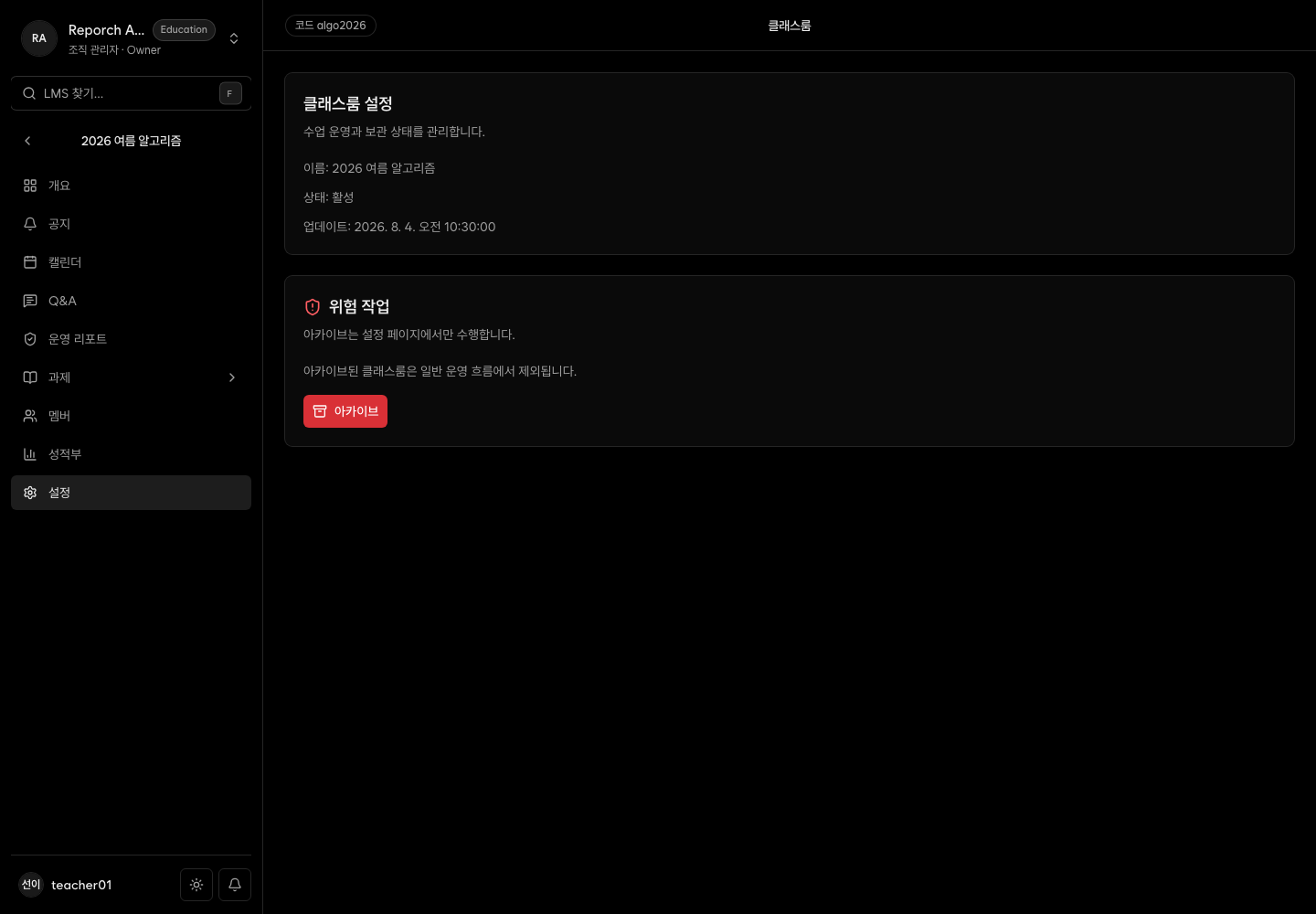
Settings edits the classroom name and description and shows current status. Organization owners and admins can archive a class. The current settings page does not expose a restore action.
Before you start
- Classroom-management access for edits
- Owner/admin access for archiving
- A review of assignments, grades, and reports before archiving
Steps
1. Open Settings
Select Settings and review name, description, and current status.
2. Edit basic details
Update identifying term or section details, then save.
3. Verify the change
Check the admin header and learner overview. The internal identifier may remain unchanged.
4. Archive after operations end
Owners or admins should read the warning and confirm. Archived classes are separated from active ones on the learner home.
Expected result
- The updated name and description appear throughout the classroom.
- Archived classes are distinguished from active classes.
- The archive action is hidden when the current role lacks permission.
Troubleshooting
- Cannot save: Recheck role and required values, then refresh.
- No archive action: Organization owner/admin access is required.
- Need to restore: The current UI has no restore action; contact Reporch support.
- Learner sees the old name: Refresh and confirm the correct classroom.