Reporch
Understand submission results
Read judge state, runtime, memory, and submitted source from My Submissions and submission details.
Overview
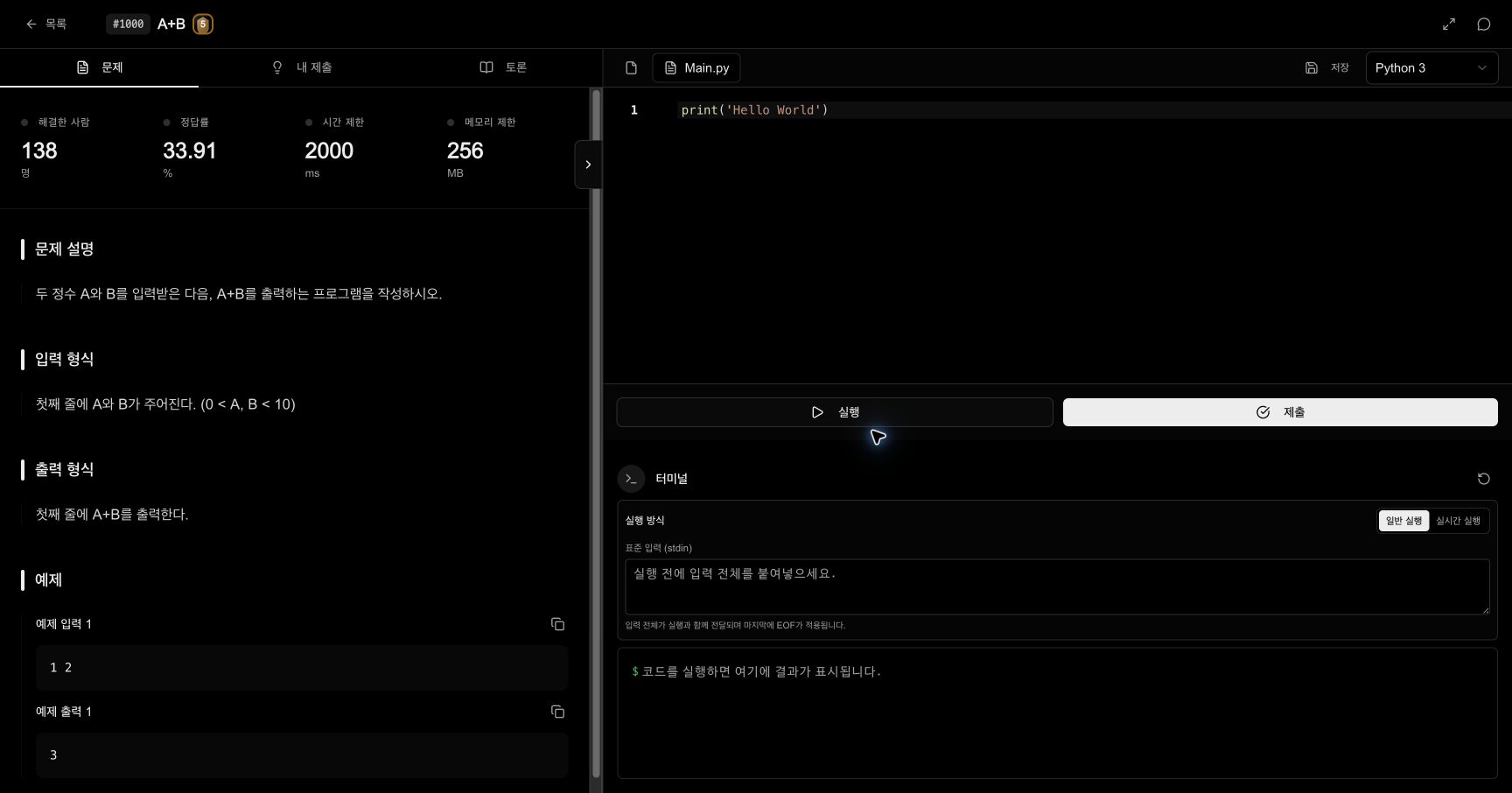
The left side of a problem page has Problem, My Submissions, and Discussion tabs. My Submissions lists records created by the signed-in account for the current problem only. Open another problem to see its records.
Before you start
- Sign in with the account that created the submission.
- Open the problem to which that submission belongs.
- For a new request, remember its time and selected language.
Read the list
Each row represents one submission.
- ID: Unique identifier used to find the same submission or contact support
- Language: Runtime selected at submission time
- Result: Final state such as accepted, wrong answer, compile error, or time limit exceeded
- Time: Runtime measured by the judge
- Memory: Memory used during judging
- Submitted at: Time the source was sent to the server
Some web-style problem types may omit the language field when no normal runtime language applies.
Steps
1. Open My Submissions
Select My Submissions on the problem page. Wait for the loading state to finish while Reporch retrieves the records.
2. Find the newest record
Use the submitted time and ID to identify the request you just sent. An in-progress submission may show its state and progress above the list.
3. Wait for a final state
Read the state after processing ends. Move on when accepted; otherwise begin with the checks appropriate to that failure.
4. Open submission details
Select the row to view its ID, language, result, runtime, memory, submitted time, and submitted source. Use Back to list to return.
5. Compare the submitted source
Compare the source stored in the detail with the current editor. If you edited after submitting, only the stored version was judged.
Respond to each state
- Accepted: All judge requirements passed. Runtime and memory are useful only in a fair comparison with similar language submissions.
- Partial: Some groups passed. Review the score and failed scope.
- Wrong answer: Check formatting, boundaries, branches, ordering, and numeric range.
- Compile error: Fix the first error and verify that syntax matches the submitted language.
- Runtime error: Create an input that reproduces the exception in a normal run.
- Time limit exceeded: Estimate operations from the maximum input size and reduce complexity.
- Memory limit exceeded: Look for full-input copies, large caches, and deep recursion.
Expected result
- My Submissions displays the recent request with a unique ID and processing state.
- After completion, result, runtime, memory, and submitted time are available.
- Submission details let you compare the judged source with the current editor.
Troubleshooting
- No submissions: Confirm the signed-in account and current problem number.
- Processing takes a long time: Do not send duplicates. Refresh and follow the same ID.
- Details fail to load: Record the ID, return to the list, and retry.
- Time or memory displays
—: The request may have failed before measurement or the judge type may not provide the value.