Reporch IDE
Use the terminal
Open the DevBox terminal and manage commands, long-running servers, and Preview connection state.
Overview
The terminal runs commands inside the current workspace's DevBox, not on your local computer. Installed packages and running processes belong to that selected workspace.
Before you start
- Confirm that the workspace runtime is ready.
- Read README and project scripts for the command and required working directory.
- Identify the port and environment variables needed by the run command.
Steps
1. Confirm readiness
Check the runtime state in Recent Workspaces. The terminal can show connecting, preparing, reconnecting, or ready states.
2. Focus the terminal
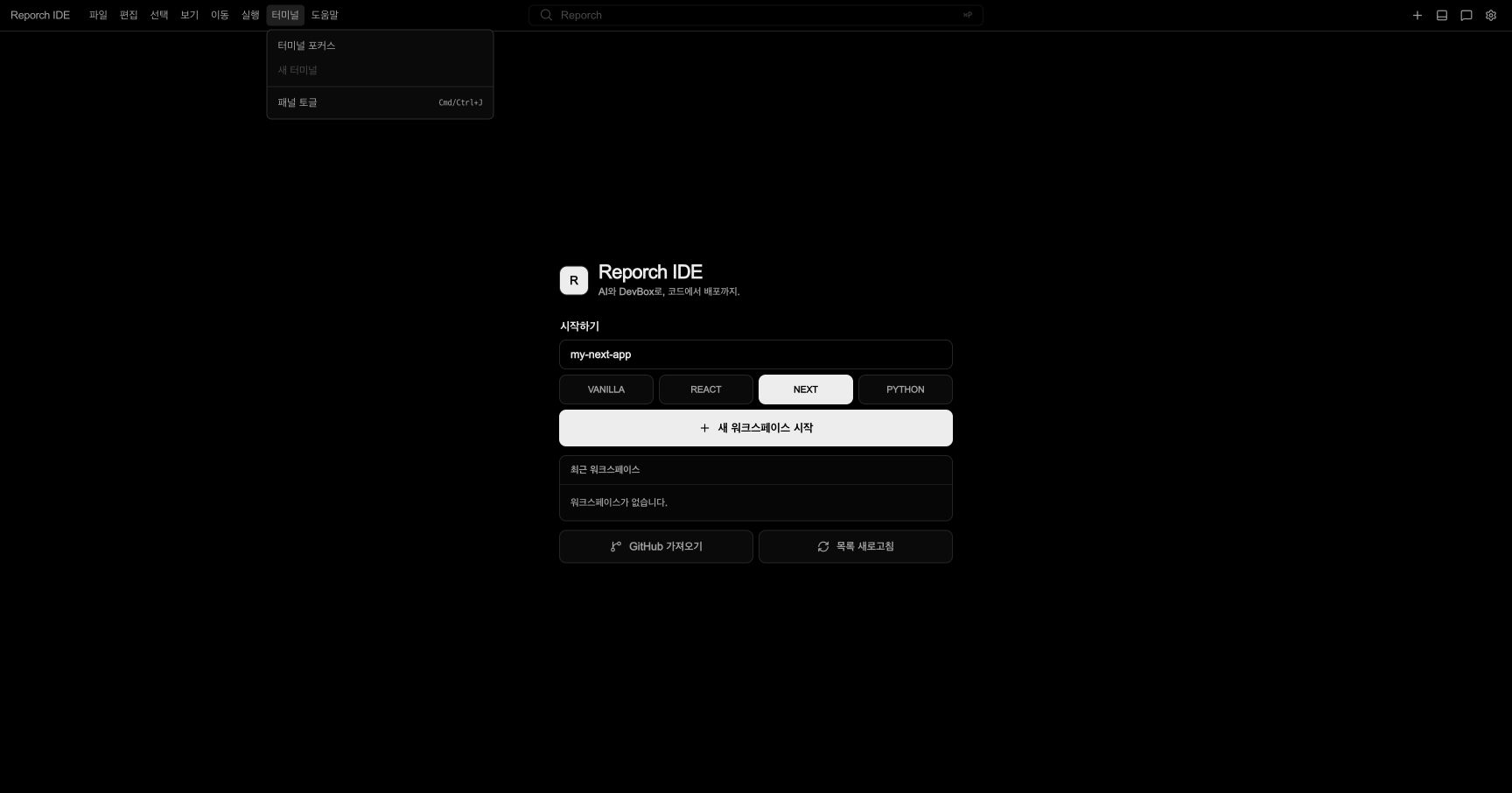
Choose Terminal → Focus Terminal. If the panel is hidden, press Cmd/Ctrl+J or choose Toggle Panel.
3. Check the working directory
Run pwd and ls. If a command expects the project root, move to the directory containing package.json or the entry file.
4. Run project commands
Use README or package.json scripts for installation, build, and development server commands. Read project configuration instead of guessing.
5. Read output and exit state
Inspect standard output, the first error, exit code, and whether the prompt returned. A long-running server normally keeps running without returning the prompt.
Multiple terminals and long-running processes
A ready workspace enables New Terminal for another session. Keep a development server running in one terminal and run tests or installation in another. Do not start two processes on the same port.
Connect Preview
When a web server opens a port, the IDE detects a Preview. Open the URL or notification in the IDE after it becomes ready. Stopping the server also makes that Preview unavailable.
# Next.js example
bun install
bun run dev

# Python example
python main.py
Expected result
- Commands run from the project root and expose an exit code or a clear long-running state.
- When a development server opens a port, the IDE detects a Preview for that workspace.
- Separate terminals can keep the server running while tests or installation commands execute.
Troubleshooting
- New Terminal is disabled: Create or connect to a workspace first.
- Command not found: Check the template, package manager, and project scripts.
- Preview port conflict: Stop the existing server or reuse its open port.
- Terminal is reconnecting: Do not repeat commands; wait for Ready and the prompt.
- Output appears frozen: Determine whether the program is waiting for stdin or running as a server.