Reporch IDE
Connect GitHub
Sign in to GitHub and enable repository workflows from Reporch IDE Source Control.
Overview
After connecting GitHub, you can select repositories your account is allowed to access and import one as a workspace. Inside a workspace, Source Control continues into remote repository and change-management workflows.
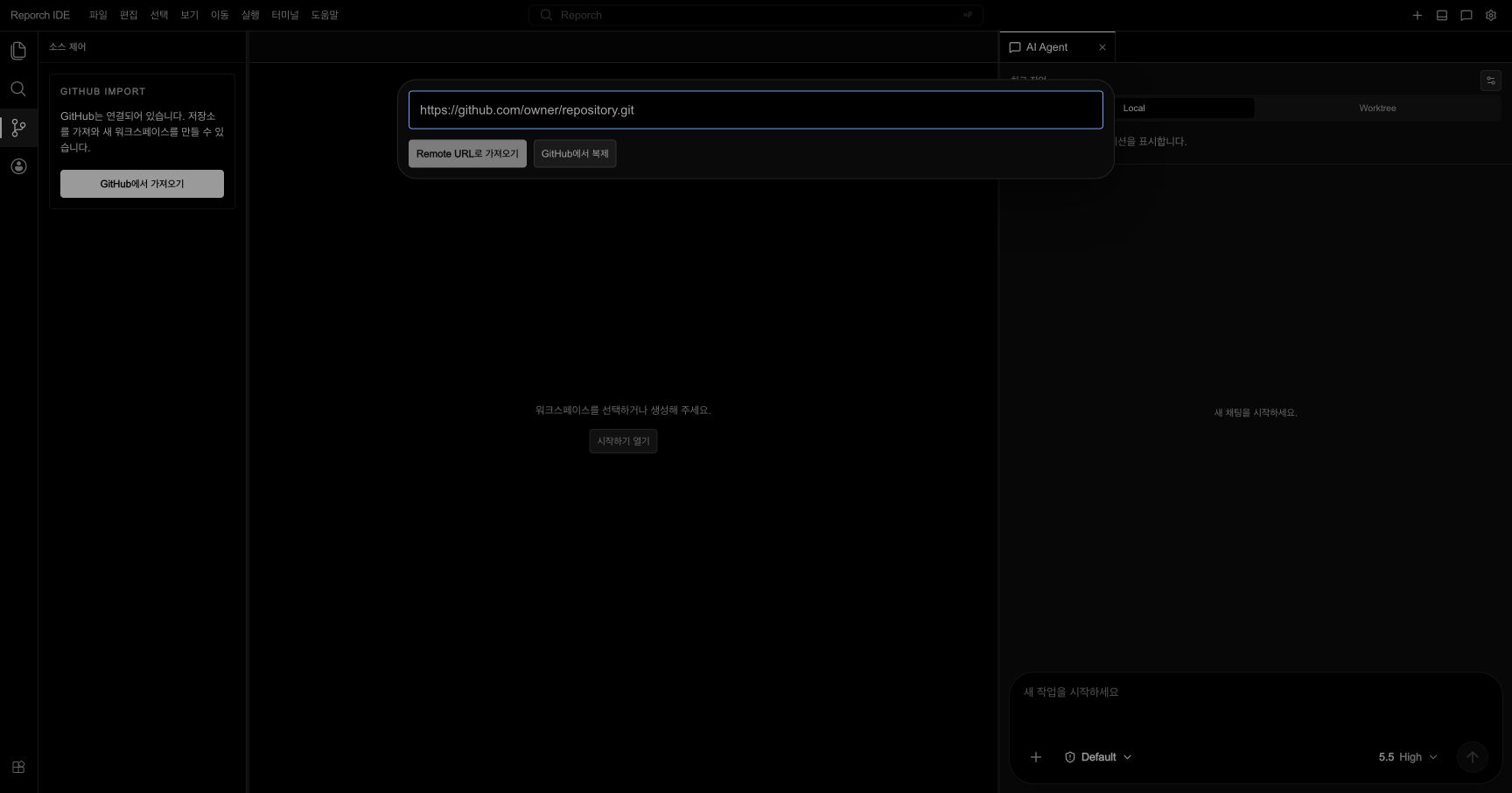
Before you start
- Sign in to Reporch IDE.
- Be able to authenticate to the intended GitHub account.
- For an organization repository, check its repository access and approval policy.
- Follow any browser notice about an authentication redirect or popup.
Steps
1. Open Source Control
Select the branch-shaped Source Control icon in the Activity Bar. From the start screen, Import from GitHub can open the same connection flow.
2. Start GitHub sign-in
Select Sign in with GitHub to connect. When GitHub opens, confirm which account is active.
3. Review access
Read the Reporch application identity, requested scope, and repository access shown by GitHub, then approve. An organization may require a separate administrator approval.
4. Return to the IDE
After authentication, return to Reporch IDE. Confirm that repository loading is available from Import from GitHub or Source Control.
5. Refresh once
If an approved repository is missing, select Refresh List once. Before repeating authentication, verify the current account and its GitHub repository access.
Expected result
- Repository loading replaces the pre-connection guidance.
- A private repository appears only when GitHub grants Reporch read access to it.
- Tokens and credentials should never be pasted into workspace files, environment variables, or the repository.
Troubleshooting
- Connect is shown again after approval: Check that authentication and IDE tabs use the same browser session, then refresh the IDE.
- Only organization repositories are missing: Ask the organization administrator whether Reporch requires approval.
- Wrong GitHub account: Review the application's GitHub access, then authenticate with the intended account.
- Only some repositories appear: Check whether GitHub access was limited to selected repositories.